Best WordPress Image Optimization Plugins 2026: 5 Plugins Tested
Images are usually the heaviest part of a WordPress page. That matters even more on WooCommerce stores, directory sites, and listing themes with huge galleries.
We build WordPress products ourselves, so we care about the stuff that shows up in real life: bulk compression, WebP or AVIF support, server load, and whether the free plan is actually useful or just bait.
Why a WordPress image optimization plugin still matters in 2026
Yes, modern hosting is faster. Yes, browsers are smarter. But oversized images still wreck LCP, waste bandwidth, and slow down mobile users. If you want the full performance stack, pair image compression with solid caching and hosting. Our guides on WordPress speed optimization, WP Rocket settings, WordPress SEO plugins, and WordPress hosting cover the rest.
| Plugin | Best For | Free Plan | WebP | AVIF | Starting Price |
|---|---|---|---|---|---|
| Smush | Beginners | 50 bulk images | Pro | No | $36/year discounted, $60/year regular |
| ShortPixel | Best value | 200 images/month | Yes | Yes | $3.99/month |
| EWWW Image Optimizer | Best free tier | Unlimited lossless | Paid | Paid (Easy IO) | $8/month |
| Imagify | Clean UI and AVIF | 20MB/month | Yes | Yes | $4.99/month |
| Optimole | Cloud delivery | 5,000 visits/month | Yes | Not a core selling point | $19/month |
Best WordPress image optimization plugin picks
If you want the short version:
- Best overall value: ShortPixel
- Best free WordPress image optimizer: EWWW Image Optimizer
- Best for beginners: Smush
- Best for AVIF support: Imagify
- Best cloud-based option: Optimole
Smush: Best beginner-friendly smush WordPress plugin
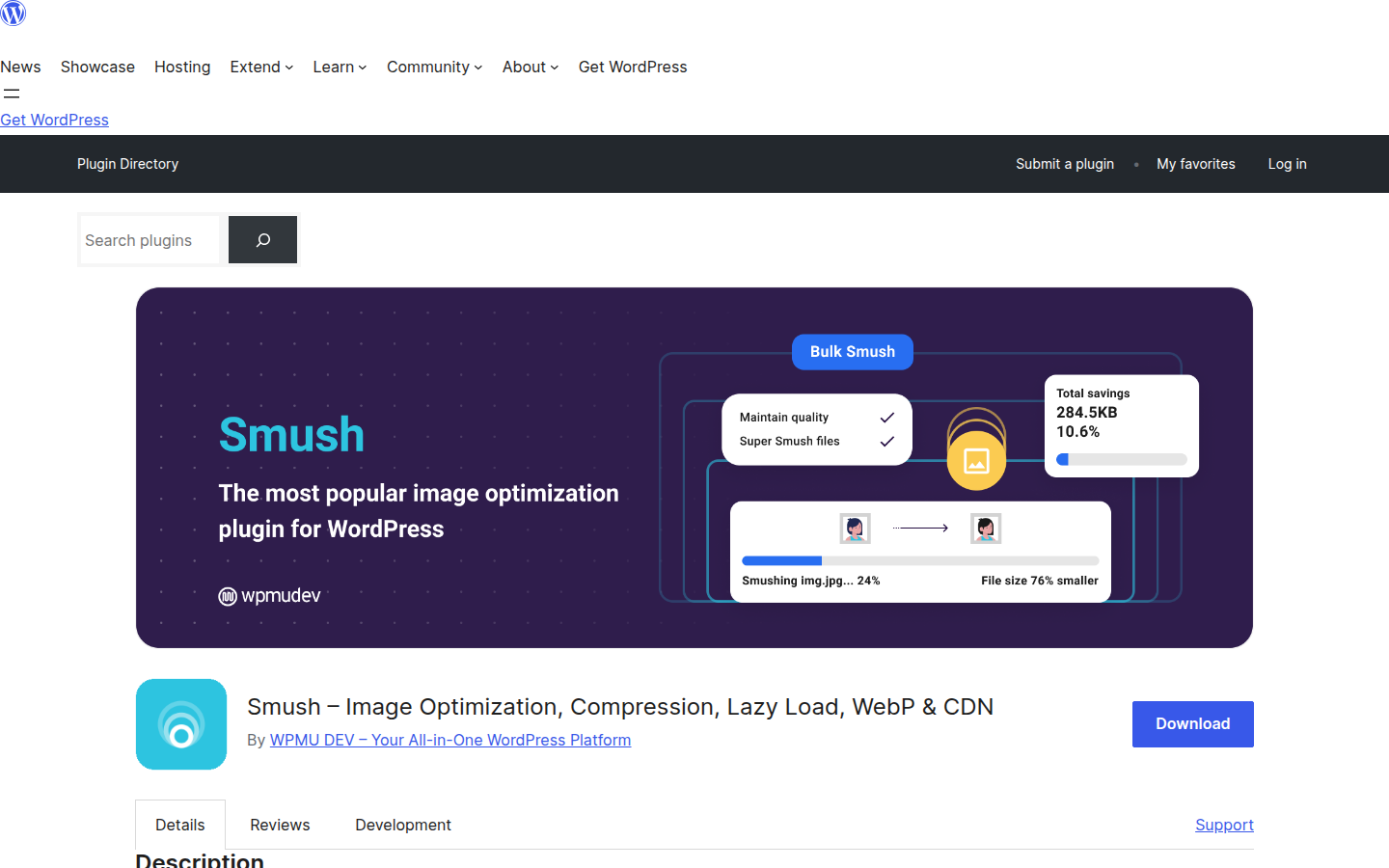
Smush is the easy pick if you want a familiar UI and simple setup. Install it, run bulk compression, turn on lazy loading, done.
The catch is the free tier. You only get 50 images per bulk run, and WebP is locked behind Pro. Smush Pro starts at $36/year on the discounted annual plan, with the regular price at $60/year. That makes Smush fine for smaller blogs, but less convincing for media-heavy stores or directories.
- Good: easy onboarding, clean dashboard, huge install base
- Bad: free plan feels restricted fast
- Best for: beginners who want the least friction
ShortPixel: Best shortpixel image optimizer for value
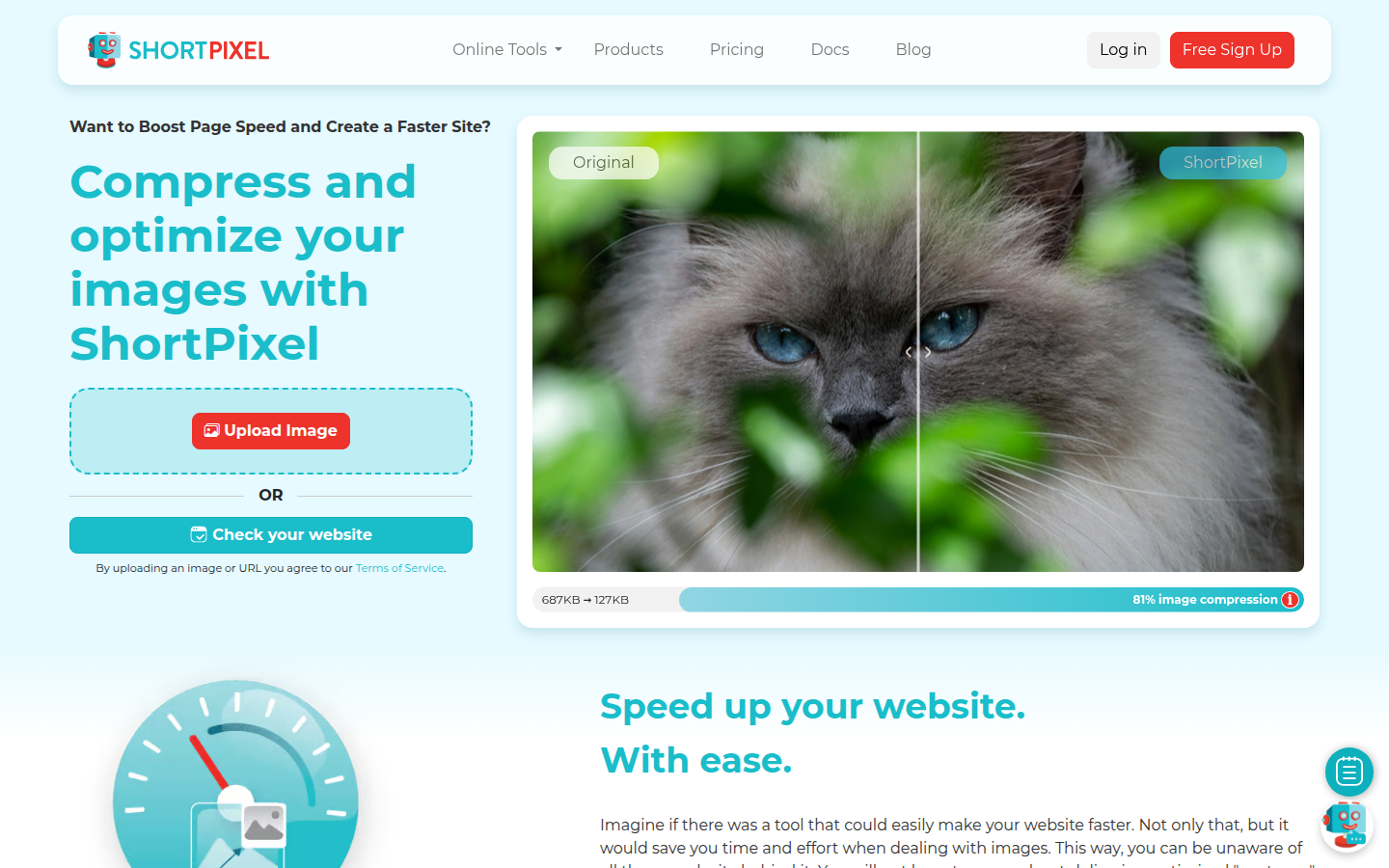
ShortPixel wins on balance. It has WebP, AVIF, strong compression quality, and pricing that works for a lot of site types.
The big thing here is flexibility. If you do not need unlimited compression every month, the credit-based model can be cheaper than flat subscriptions, and paid plans start at $3.99/month. On the other hand, the pricing logic is a bit messy, especially for clients who just want a simple answer.
- Good: strong quality, AVIF support, flexible billing
- Bad: credits confuse non-technical users
- Best for: site owners who want the best value-to-results ratio
EWWW Image Optimizer: Best free WordPress image optimizer plugin free users can keep
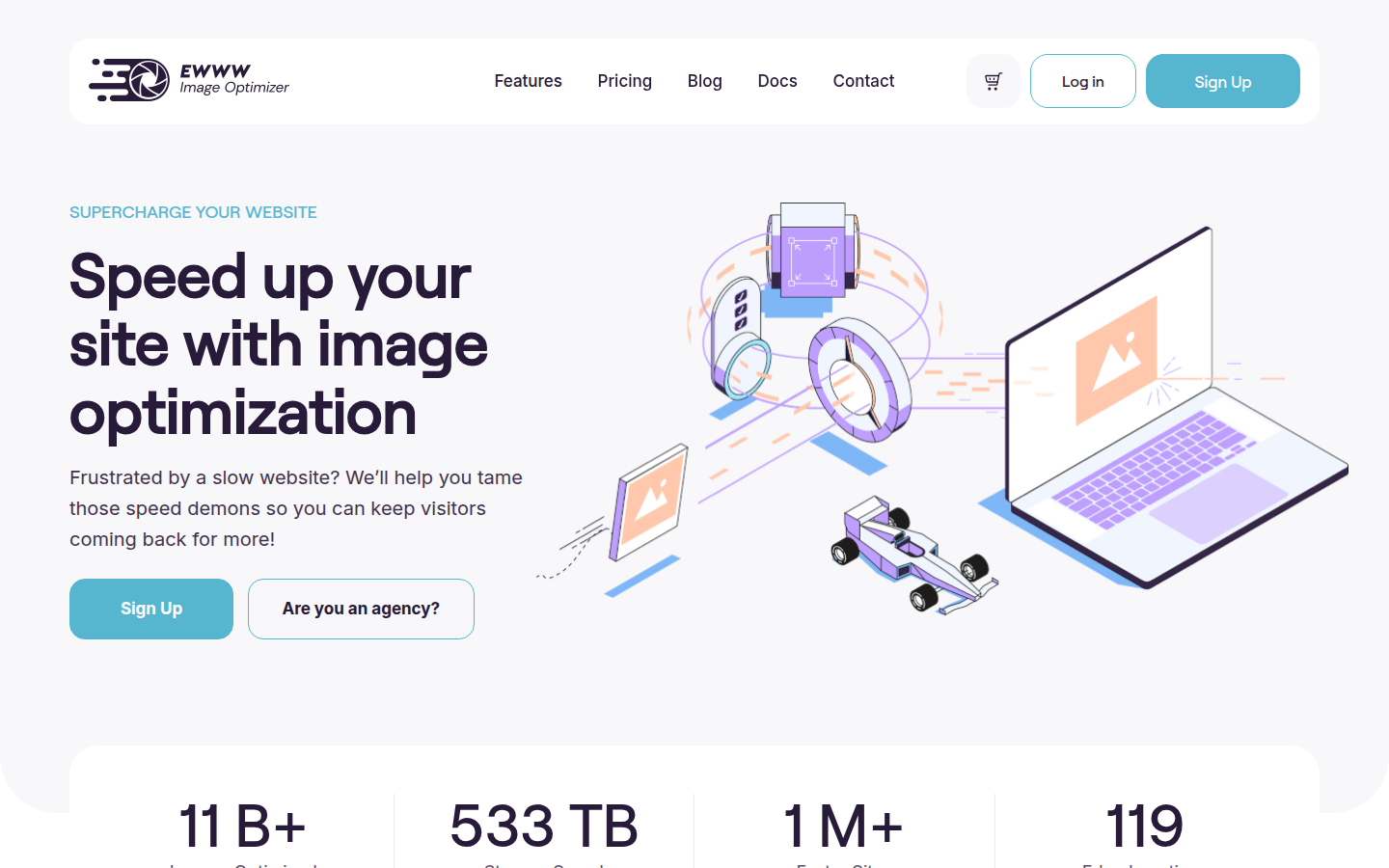
EWWW stands out because its free plan is not fake generous. You get unlimited lossless compression on your own server, which is rare.
That makes it a smart fit for privacy-conscious projects or sites that do not want media pushed through a third-party cloud by default. The tradeoff is polish. The UI is less slick, and lossy compression plus WebP/AVIF conversion via Easy IO sit behind the paid plan, which starts at $8/month.
- Good: unlimited free lossless compression, privacy-first approach
- Bad: less polished interface, AVIF requires the paid Easy IO plan
- Best for: budget setups, agencies, and sites with stricter data handling
Imagify: Best imagify WordPress plugin for AVIF and simple controls
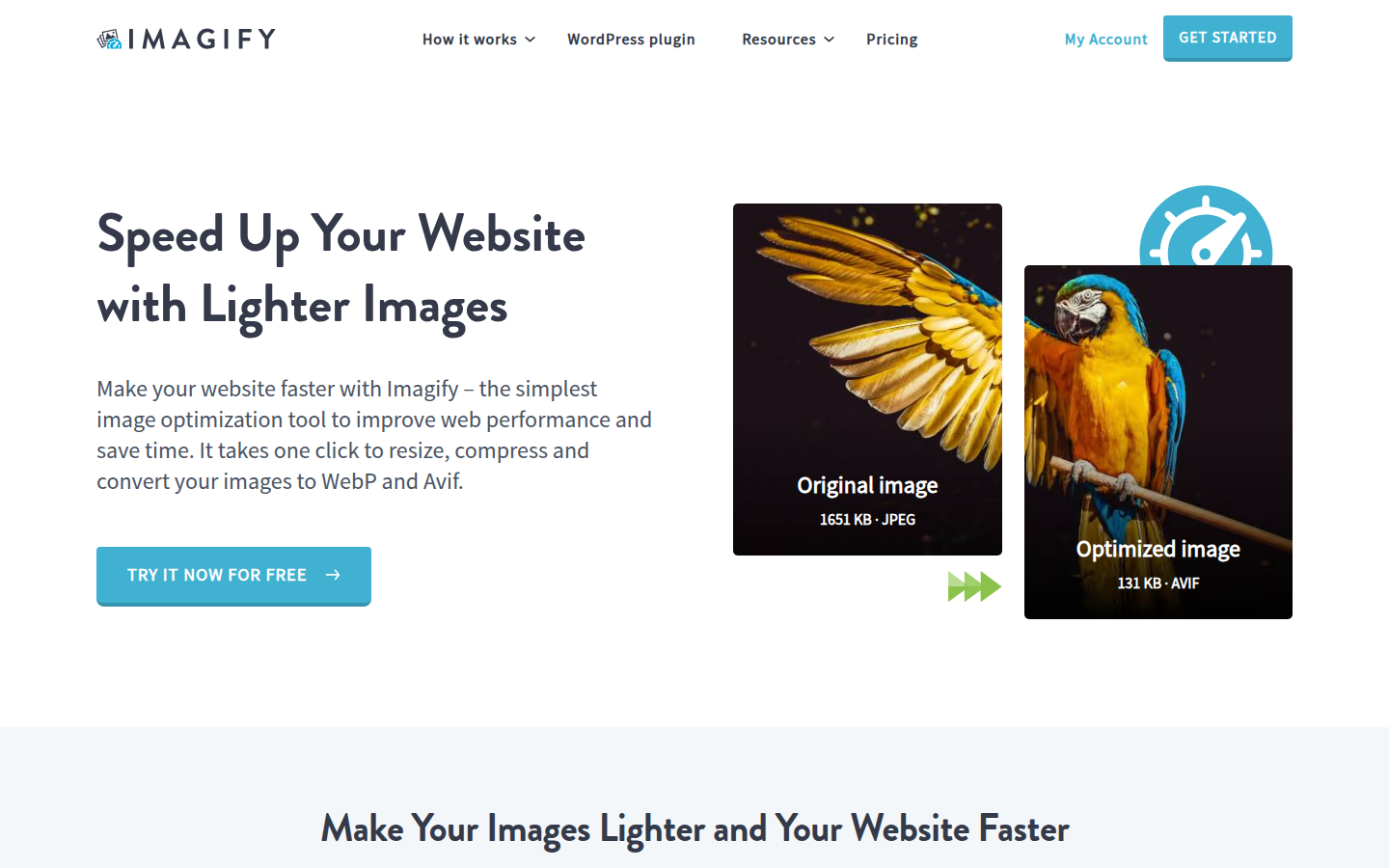
Imagify keeps things clean. The UI is good, the compression levels are easy to understand, and AVIF support is a real plus if you want more aggressive file size cuts.
It also fits nicely if you already use WP Rocket. But the free plan is tight at 20MB per month. That disappears fast on a store with product galleries or a directory with user uploads.
- Good: clean UX, AVIF support, solid next-gen format handling
- Bad: free allowance is tiny
- Best for: users who want a tidy interface and modern format support
Optimole: Best cloud-based WordPress image optimization plugin
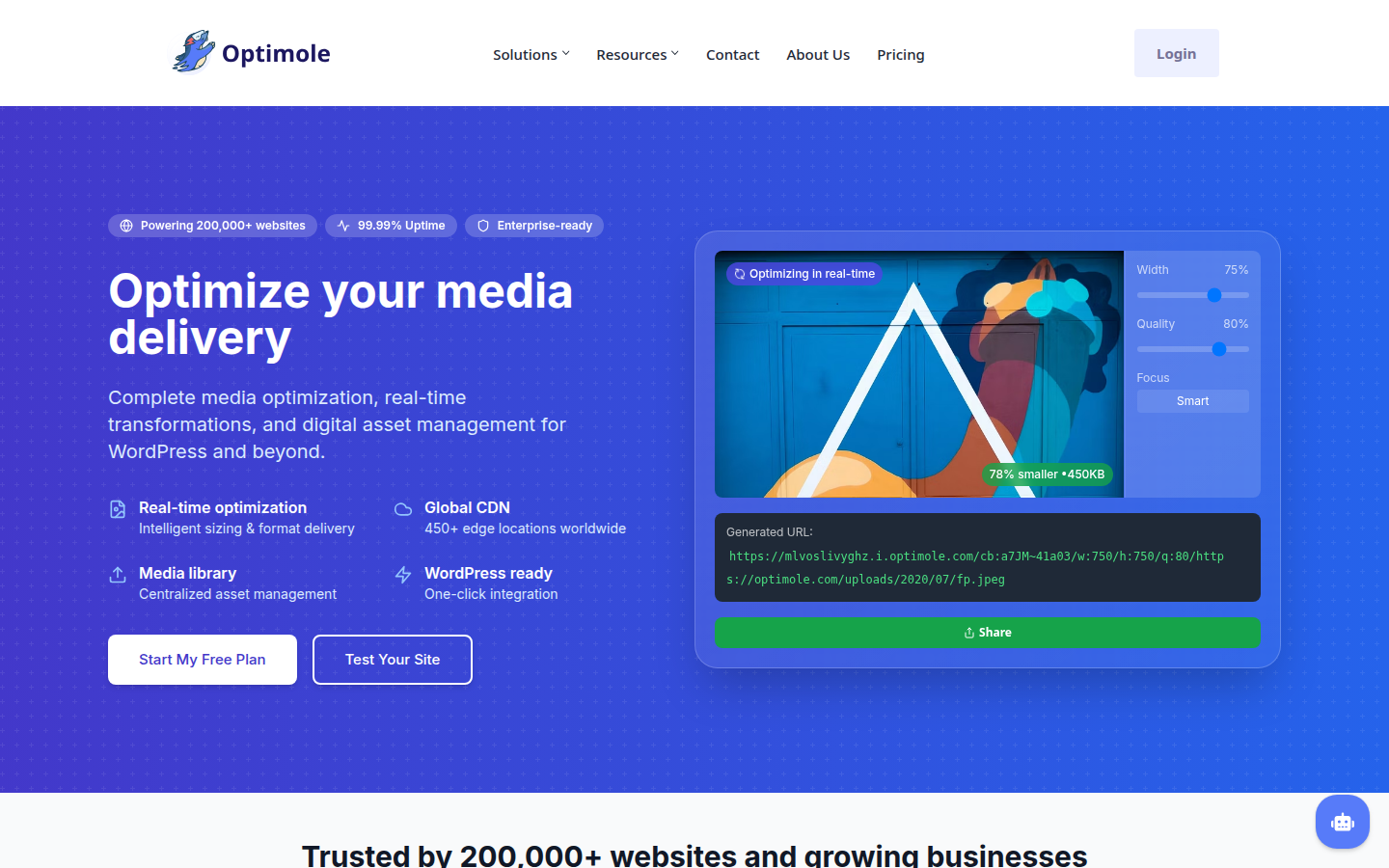
Optimole is different from the others because it is not just compression. It is also image delivery through a CDN, visitor-based scaling, and reduced server load.
That is useful on busy sites where you want fewer moving parts on the server itself. But the pricing jumps fast. $19/month is a lot if you mainly need straightforward compression. And some site owners will not love the cloud dependency.
- Good: CDN included, offloads work from your server, strong for traffic spikes
- Bad: pricey, visitor limits on free tier
- Best for: high-traffic sites that want cloud delivery baked in
WebP, AVIF, bulk compression, and lazy loading: what matters most
Do not get distracted by long feature lists. For most WordPress sites, these four things matter:
- Bulk compression: can it process your existing media library without pain?
- WebP support: still the safest next-gen format for broad compatibility
- AVIF support: smaller files, but not every workflow needs it yet
- Server impact: local compression uses your own resources, cloud tools offload that work
If you run WooCommerce, directories, or photography-heavy sites, this stuff adds up fast.
Which WordPress image optimization plugin should you pick?
Pick ShortPixel if you want the best mix of price, quality, WebP, and AVIF.
Pick EWWW if free unlimited lossless compression is your main goal.
Pick Smush if you want the simplest experience and do not mind free-tier limits.
Pick Imagify if AVIF matters and you like a cleaner UI.
Pick Optimole if you want cloud delivery and CDN-style handling in one product.
Our take: For most WordPress sites, ShortPixel is the safest recommendation. It does the important stuff well without boxing you into an expensive plan too early.
FAQ
Which WordPress image optimization plugin is best?
For most sites, ShortPixel is the best all-round pick. It has strong compression, WebP, AVIF, and pricing that makes sense for many site sizes.
Do image optimization plugins affect quality?
Yes, especially with lossy compression. Good plugins let you choose the compression level, so you can trade a bit of visual quality for much smaller files.
Is WebP better than JPEG for WordPress?
Usually, yes. WebP often gives you smaller files than JPEG at similar visual quality. It is the safest next-gen format for broad browser support.
Can I use multiple image optimization plugins?
You can, but you usually should not. Running two image plugins at once can cause double compression, format conflicts, and messy settings.
What is the difference between lossy and lossless compression?
Lossless keeps image quality intact but saves less space. Lossy reduces file size more aggressively by removing some image data.