Best WordPress Hosting in 2026: 5 Hosting Companies Compared
Your WordPress hosting choice can make or break your site. Slow load times kill conversions. Downtime costs money. And the wrong host leaves you stuck when traffic spikes hit.
But here’s the problem. Most “best WordPress hosting” articles throw 15 options at you and mix $3/month shared hosting with $100/month managed platforms. That’s not helpful when you’re running a real business site.
Why Managed WordPress Hosting Matters in 2026
If you’re building a directory site, job board, or WooCommerce store, you need more than basic shared hosting. Managed WordPress hosting gives you:
- Automatic backups and one-click restores
- Server-level caching without plugin headaches
- Staging environments to test changes safely
- Expert WordPress support that actually understands your stack
- Security hardening including malware scanning and firewalls
The performance difference is real. A properly configured managed host typically delivers 300-500ms load times compared to 2-4 seconds on cheap shared hosting. That’s not marketing fluff. It’s measurable in your site speed metrics.
This comparison focuses on 5 premium managed WordPress hosts that serious site owners actually consider. No budget fillers. Just the providers worth your money. We also recommend taking a look into WordPress speed optimization guide to speed up your website even further.
Quick Comparison: Best Managed WordPress Hosting
| Provider | Starting Price | CDN Included | Best For |
|---|---|---|---|
| Rocket.net | $30/mo ($25 billed annually) | Yes | Agencies, WooCommerce |
| Kinsta | $35/mo ($30 annually) | Yes | High-traffic business sites |
| WP Engine | $27/mo | Yes | Enterprise, established brands |
| Cloudways | $11/mo (the cheapest might not be enough for regular WordPress site) | Add-on ($4.99) | Developers, agencies |
| Scala Hosting | $29.95/mo | Yes | Budget-conscious businesses |
Rocket.net: Best Cloudflare Enterprise CDN on Every Plan
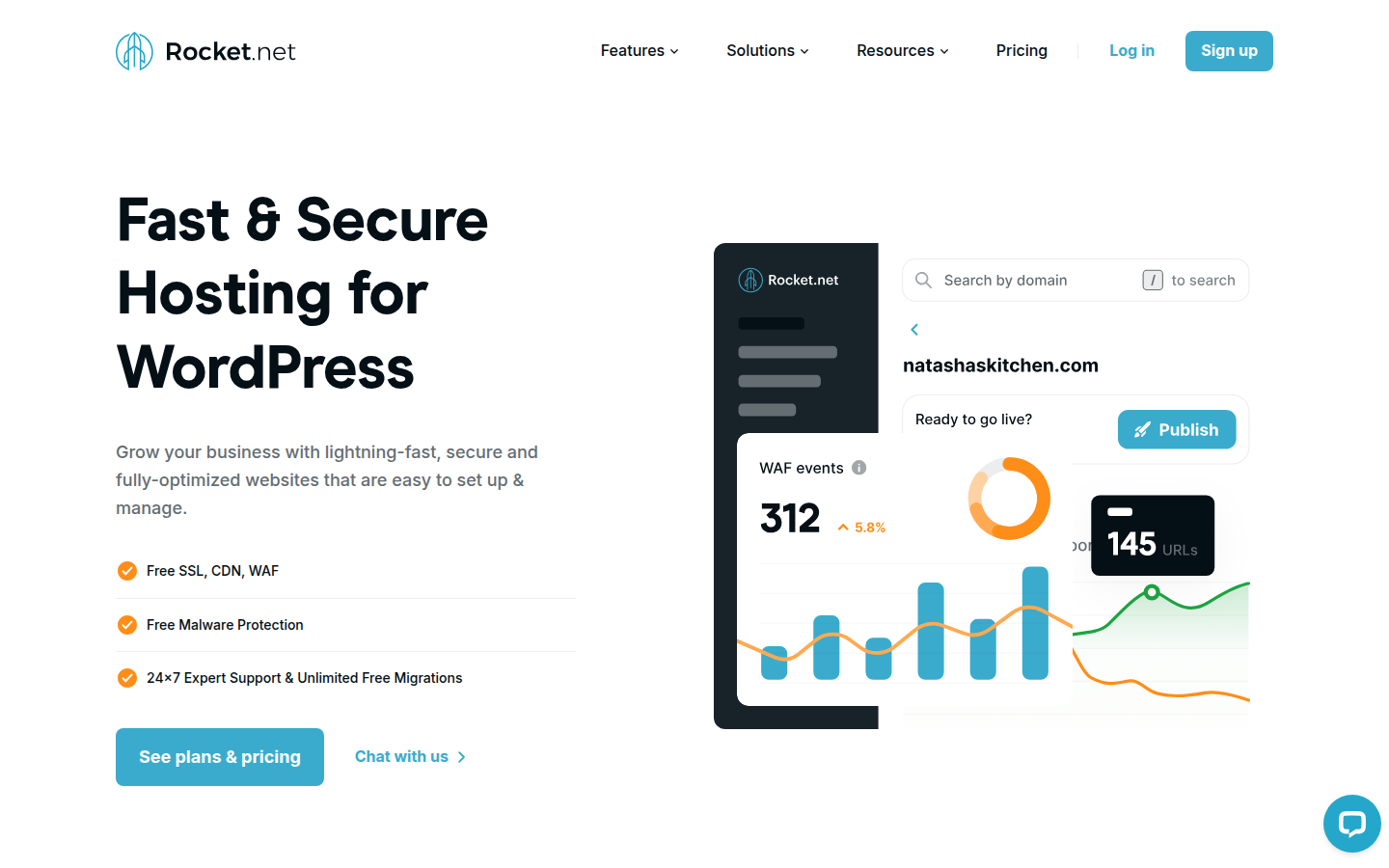
Rocket.net does one thing extremely well: speed through Cloudflare Enterprise. Every plan, even the $25/month starter, includes Cloudflare Enterprise CDN. That’s the same CDN stack that Fortune 500 companies pay thousands for.
What makes this different? Regular Cloudflare (free or Pro) caches static files. Enterprise caches dynamic WordPress content at 200+ edge locations worldwide. Your visitors get sub-100ms response times regardless of location.
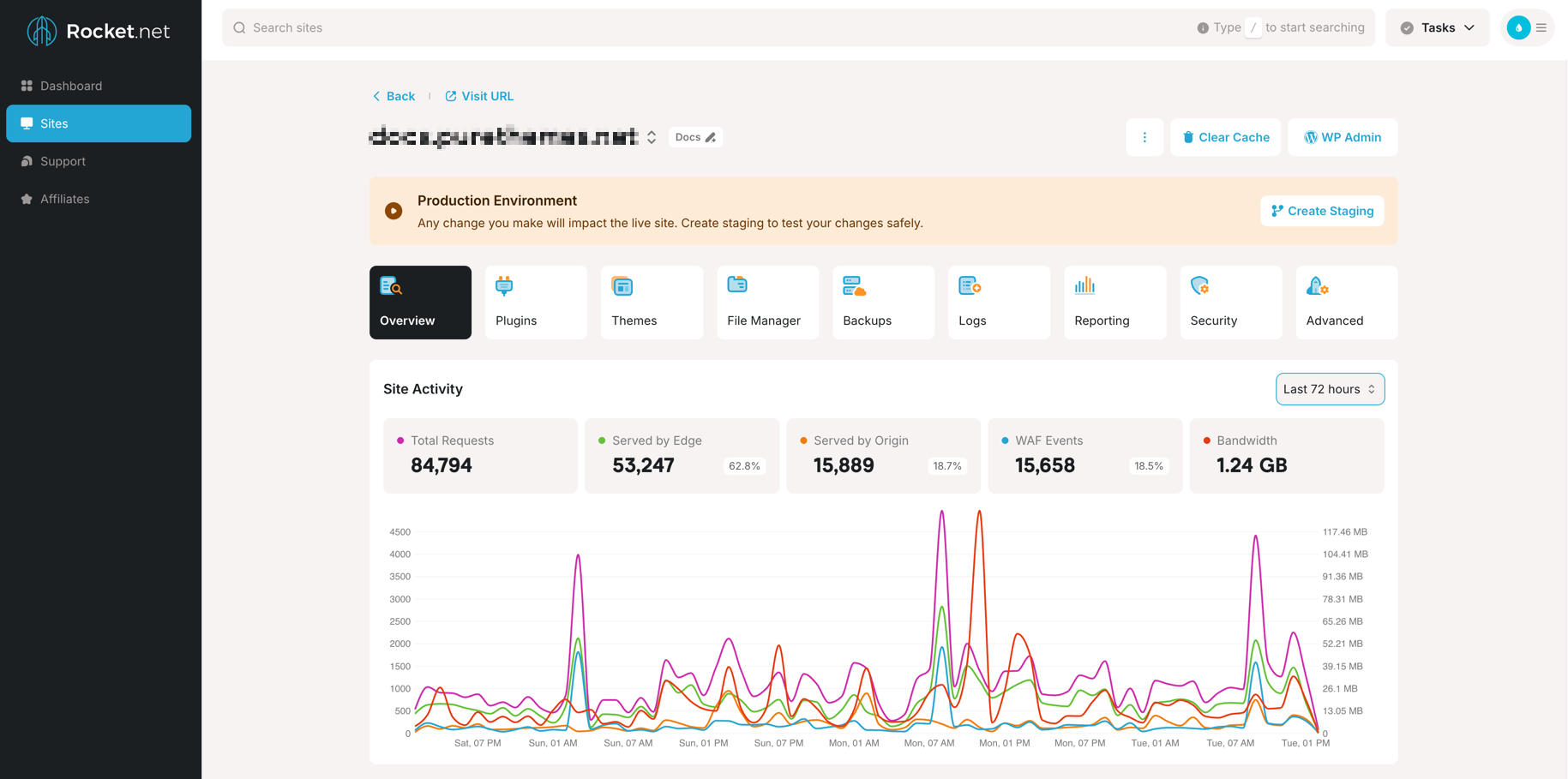
The unlimited PHP workers stand out too. Kinsta and WP Engine limit concurrent processes on lower plans. Rocket.net doesn’t. During traffic spikes, your site stays responsive instead of queuing requests.
You also get WP Rocket (the $59/year caching plugin) and Object Cache Pro included free. Combined with the right WP Rocket settings, this creates an impressive performance stack without extra costs.
Pricing:
- $25/mo billed annually ($30/mo monthly) for 1 site
- $50/mo annually for 3 sites
- $83/mo annually for 10 sites.
Best for: Agencies managing multiple client sites, WooCommerce stores needing global speed, anyone who wants premium CDN without paying extra.
Watch out: Storage is limited (10GB on starter). Fewer data center options than Kinsta. WordPress-only platform.
Kinsta: Best Google Cloud Infrastructure
Kinsta runs on Google Cloud Platform C2 compute-optimized VMs. C3D Machines are also Already Available in Some Data Centers. That’s tech speak for “the fastest backend hardware you can get.” With 35+ data centers worldwide, you can place your site physically close to your audience.
The isolation matters here. Each Kinsta site runs in its own container. When another site on the server gets slammed with traffic, yours stays unaffected. No “noisy neighbor” problems.
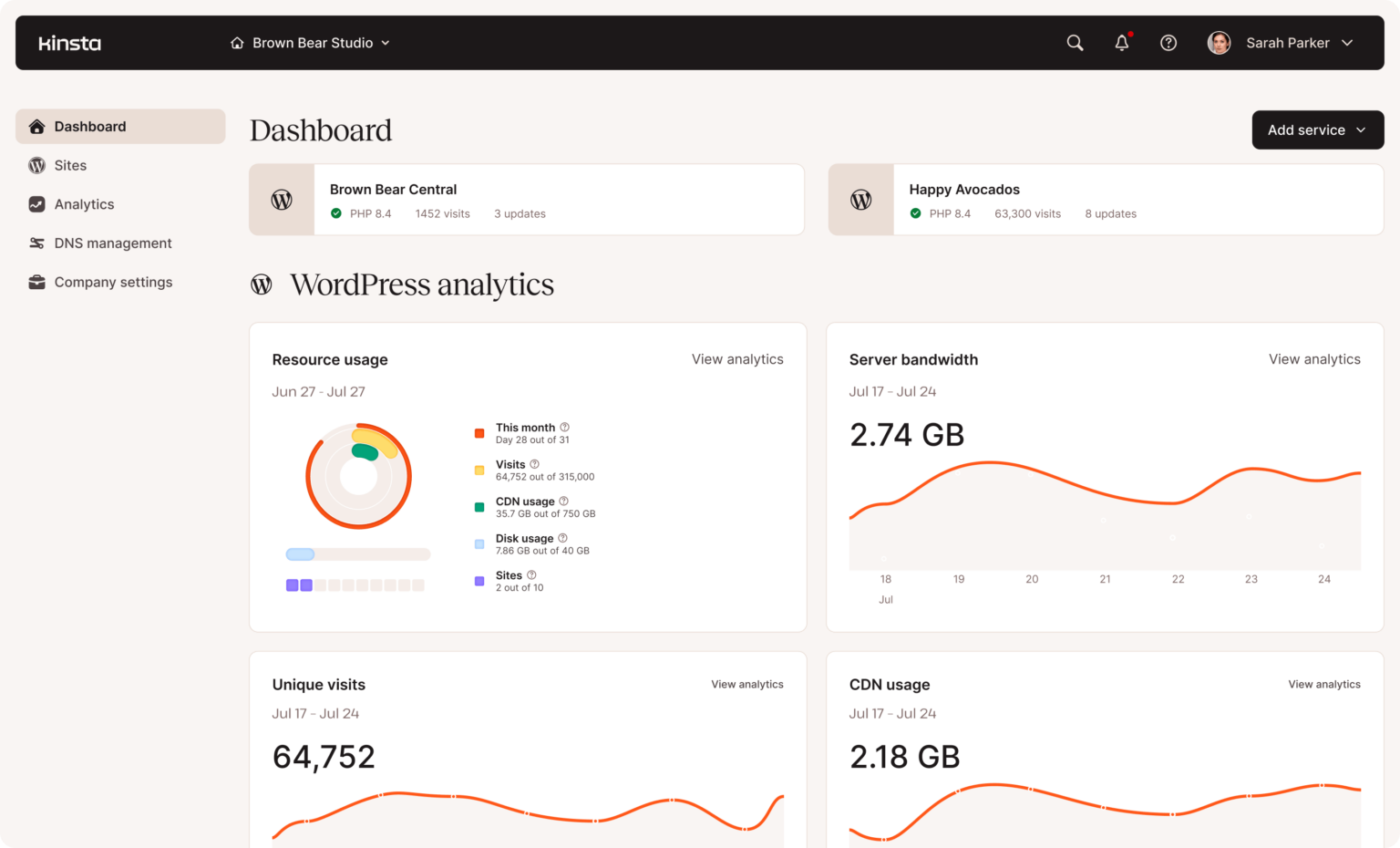
Built-in APM (Application Performance Monitoring) is huge. Other hosts charge $100+/month for New Relic. Kinsta includes it free. You can identify slow database queries, bottleneck plugins, and performance issues without additional tools.
Their MyKinsta dashboard is genuinely well-designed. One-click staging, automatic backups with 14-30 day retention, and DevKinsta for local development. The developer experience is polished.
Pricing:
- $35/mo for 1 site (35k visits)
- $70/mo for 2 sites
- $115/mo for 5 sites.
- Billed annually: $30, $59, $96/mo. No renewal price hikes.
Best for: High-traffic business sites, complex WordPress builds (membership sites, LMS, large WooCommerce), agencies wanting reliability over everything else.
WP Engine: Best Track Record for Enterprise Sites

WP Engine pioneered managed WordPress hosting. They’ve been doing this since 2010, which means years of refining their stack. That track record matters for enterprise clients who need proven reliability.
Their EverCache technology delivers consistently fast TTFB (Time to First Byte). Independent tests show 367ms average, often beating newer competitors. The caching just works without configuration.
The 60-day money-back guarantee is the longest in the industry. If you’re migrating from another host and things go wrong, you have two full months to reverse course.
Smart Plugin Manager automatically updates plugins and tests for breaking changes. When an update causes problems, it rolls back automatically. For sites with 20+ plugins, this saves hours of maintenance. And you get 30+ premium StudioPress themes included.
Pricing: $30/mo for 1 site (25k visits), $55/mo for 3 sites, $109/mo for 10 sites. 60-day guarantee.
Best for: Enterprise WordPress, compliance-heavy industries, agencies that need transferable site licenses, anyone wanting the most established managed host.
Watch out: Overage fees are aggressive. Plugin restrictions (some popular plugins banned). Starter plan limits you to chat support only. More expensive at scale than Cloudways.
Cloudways: Best Flexible Pricing Model
Cloudways takes a completely different approach. Instead of charging per site or per visit, you pay for server resources (RAM, CPU, storage). Run as many WordPress sites as your server can handle.
For agencies managing 10+ sites, this changes everything. A $42/month Cloudways server (4GB RAM, 2 cores) can comfortably run 5-10 small-to-medium WordPress sites. Try doing that on Kinsta for $42.
You pick your cloud provider: DigitalOcean (cheapest), Vultr (best value), Linode, AWS, or Google Cloud. Each has different pricing and data center options. 60+ data center locations available across all providers.
The hourly billing option is great for testing. Spin up a server, migrate a site, test for a few hours, and pay pennies. No commitment required.
Pricing: $11/mo (DigitalOcean 1GB) to $80+/mo (8GB server). Unlimited sites per server. Hourly billing available.
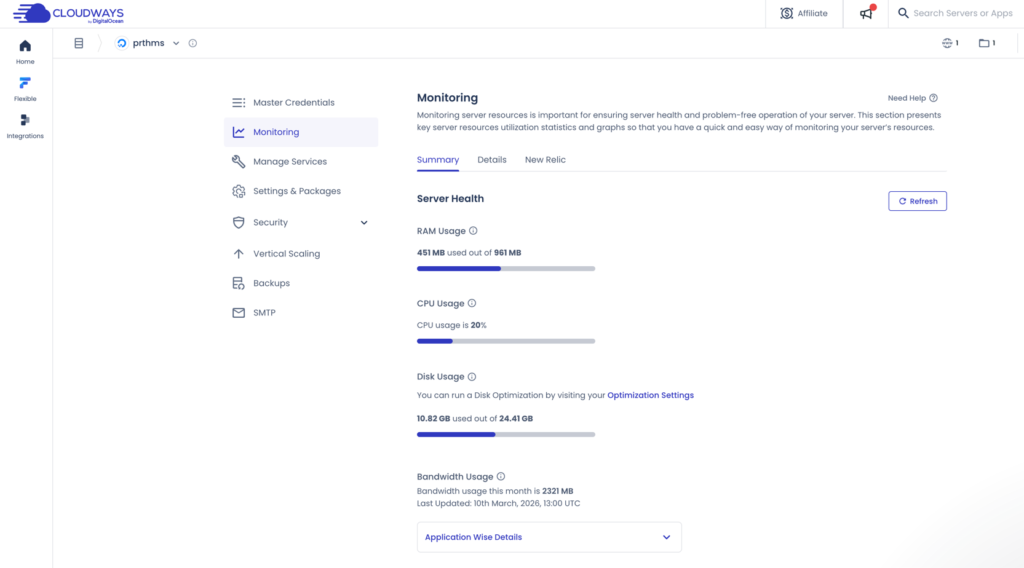
Best for: Developers comfortable with server management, agencies running many sites, anyone who wants cloud infrastructure without DevOps complexity.
Watch out: Not “pure” managed hosting. You manage server-level decisions. CDN costs extra ($4.99/domain). Only one free migration. Interface has a learning curve.
Scala Hosting: Best Value Entry Point

Scala Hosting is the underdog pick. Their performance data impresses (ranked #3 out of 34 hosts in independent testing), but they lack the brand recognition of WP Engine or Kinsta.
Their secret weapon is SPanel, a proprietary control panel that replaces cPanel. That saves you $15/month in licensing fees alone. OpenLiteSpeed caching comes built-in for performance optimization.
The no bandwidth limits policy is refreshing. No visit caps, no inode restrictions. Your site grows without surprise overage bills. Combined with NVMe storage on cloud plans, you get solid infrastructure.
SShield security claims 99.998% malware block rate. Whether that exact number holds up, the real-time protection does work. Daily automated plus on-demand backups keep your data safe.
Pricing: $29.95/mo (Build #1 intro) to $94.95/mo. First term pricing is significantly cheaper. Renewal prices jump to $54.95/mo+ on renewal.
Best for: Small businesses watching budget, blogs and content sites, anyone wanting VPS-level performance at shared hosting intro pricing.
Watch out: Renewal prices jump significantly (up to 2-4x intro rates). SPanel takes getting used to if you’re coming from cPanel. Less polished support experience than Kinsta/WP Engine.
Fastest WordPress Hosting: Performance Comparison
Raw numbers from independent testing (hostingstep.com, WPBeginner):
| Provider | Avg TTFB | Uptime | Load Test |
|---|---|---|---|
| WP Engine | 367ms | 99.99% | 27ms (stress) |
| Rocket.net | 380ms | 99.94% | Blocked |
| Cloudways (Vultr) | 421ms | 99.99% | Passed |
| Scala Hosting | 465ms | 99.97% | Passed |
| Kinsta | 469ms | 99.9% | Passed |
A few notes: Rocket.net blocked certain load testing tools, making direct comparison difficult. Kinsta’s TTFB varies by data center. Real-world performance depends heavily on your site’s complexity, plugins, and audience location.
For most WordPress sites, any host on this list delivers acceptable speed. The differences matter more for high-traffic sites where milliseconds compound into user experience.
Which WordPress Host Should You Choose?
After comparing pricing, features, and real performance data, here’s the honest verdict:
- Best overall: Kinsta if budget allows. Google Cloud infrastructure, included APM, and no renewal surprises make it reliable.
- Best for agencies: Rocket.net or Cloudways. Rocket.net for simpler management with Cloudflare Enterprise. Cloudways for maximum sites per dollar.
- Best for WooCommerce: Rocket.net. Unlimited PHP workers prevent checkout bottlenecks during traffic spikes.
- Best enterprise option: WP Engine. Longest track record, Smart Plugin Manager, and transferable licenses.
- Best budget managed hosting: Scala Hosting (intro pricing) or Cloudways DigitalOcean.
Good hosting is just one piece. Combine it with proper backup solutions, security plugins, and SEO optimization for a complete stack.
Frequently Asked Questions
What is the difference between managed and shared WordPress hosting?
Shared hosting puts hundreds of sites on one server. You share CPU, RAM, and bandwidth with everyone else. When another site gets traffic, yours slows down. Managed WordPress hosting gives you isolated resources, automatic updates, staging environments, and WordPress-specific support. You pay more ($25-100/mo vs $3-10/mo) but get dramatically better performance and reliability.
Is Kinsta better than WP Engine?
Kinsta has better hardware (Google Cloud C2 VMs), more data centers (35+ vs 20+), and built-in APM worth $100/mo elsewhere. WP Engine has a longer track record (since 2010), 60-day money-back guarantee vs 30 days, and Smart Plugin Manager for automated updates. For pure performance, Kinsta edges ahead. For enterprise stability and premium themes, WP Engine wins.
How much does managed WordPress hosting cost?
Entry-level managed WordPress hosting starts at $11/mo (Cloudways DigitalOcean) to $35/mo (Kinsta). Mid-range plans for 3-10 sites run $55-200/mo. Agency and enterprise plans can reach $600+/mo. Factor in renewal prices: Scala Hosting intro rates are roughly half the renewal price. Kinsta and WP Engine don’t raise prices on renewal.
What WordPress hosting is best for small business?
For small businesses watching budget, Cloudways ($11-22/mo) or Scala Hosting ($29.95/mo intro) offer the best value. Both provide solid performance without visitor limits or overage fees. If budget isn’t tight, Kinsta’s $30/mo starter plan delivers premium performance with excellent support. Avoid cheap shared hosting, as the performance impact hurts conversions.
Is Cloudways good for WordPress?
Cloudways is excellent for WordPress if you’re comfortable with some technical decisions. You manage server size, choose your cloud provider, and handle server-level configs. The payoff: unlimited WordPress sites per server, no visitor caps, and flexible scaling. For developers and agencies, it’s often the best value. For non-technical users wanting full management, Kinsta or WP Engine are easier.