Best WordPress Caching Plugins 2026

If your site feels slow, caching is usually the first thing to fix. A good wp cache plugin can cut load times, improve Core Web Vitals, and make WooCommerce stores feel less sluggish.
But most roundups make this harder than it needs to be. They list 10 or 12 plugins, repeat the same bullet points, and skip the one thing that actually matters: your hosting stack. If you’re on LiteSpeed hosting, one plugin stands out. If you’re on Apache or Nginx, the answer changes fast.
We kept this list tight. Just 6 plugins that actually matter. And if you end up on WP Rocket, read our tested WP Rocket settings guide after setup. It pairs well with our WordPress speed optimization guide, WordPress hosting comparison, and our roundup of image optimization plugins. Faster hosting and lighter images matter as much as caching. So does SEO, which we cover in our guide to WordPress SEO plugins.
Best WordPress caching plugins compared
| Plugin | Price | Best for | Main reason to choose it |
|---|---|---|---|
| WP Rocket | $59/year | Most WordPress sites | Works well with little setup |
| LiteSpeed Cache | Free | LiteSpeed servers | Server-level cache when the stack supports it |
| FlyingPress | $59/year | Core Web Vitals-focused sites | Cleaner UI with strong real-world speed tools |
| W3 Total Cache | Free | Developers | Deep control over cache layers |
| WP Super Cache | Free | Simple blogs | Minimal setup, low fuss |
| WP Fastest Cache | Free or $49 one-time | Budget users | Easy UI and cheap premium jump |
WP Rocket: the best WordPress caching plugin for most sites
What makes it different: WP Rocket is the one you install when you want results without babysitting settings. That’s why it’s still our top pick for most WordPress sites.
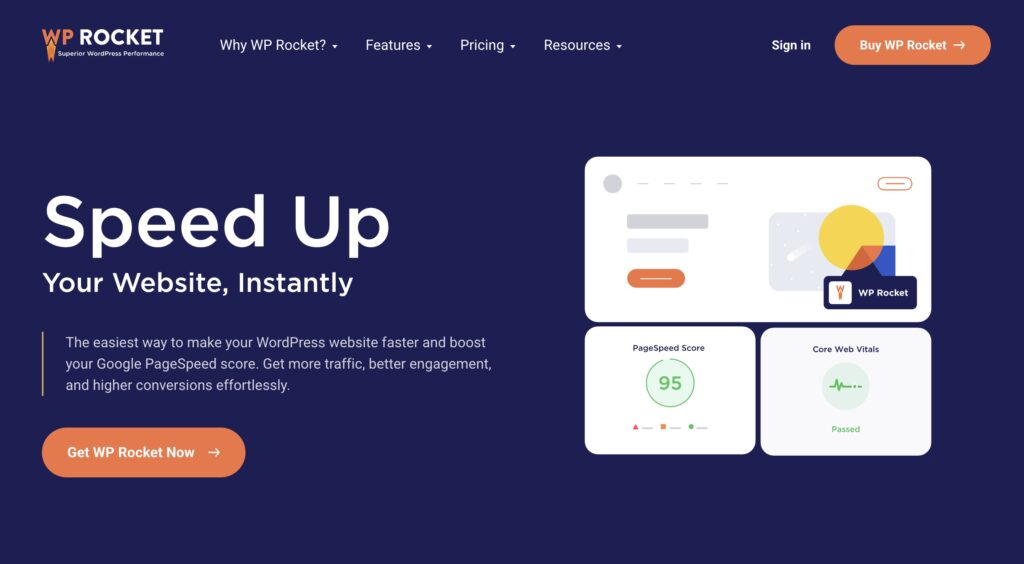
It works on Apache, Nginx, and most managed hosts. The interface is clean. Key features like page caching, cache preloading, browser caching, delay JavaScript, and database cleanup are easy to find. For store owners, that’s a big deal. Less time tweaking, less chance of breaking checkout.
Best for: agencies, WooCommerce stores, content sites, and site owners who’d rather pay $59/year than fight with 30 checkboxes.
- Pros: easy setup, strong file optimization tools, solid WooCommerce handling
- Cons: no free version
LiteSpeed Cache: best free cache plugin on LiteSpeed hosting
What makes it different: LiteSpeed Cache isn’t just another plugin. On a LiteSpeed server, it can tap into server-level caching, which gives it a real edge over plugin-only options.

And yes, it’s free. That’s the good news. The catch is simple: if your host runs Apache or plain Nginx, you won’t get the main benefit. This is why generic roundups often mislead people. LiteSpeed Cache can be brilliant, but only on the right stack.
Best for: site owners on LiteSpeed hosting who want the strongest free option.
- Pros: free, powerful cache engine, lots of extra performance tools
- Cons: best features depend on LiteSpeed server support
FlyingPress: best premium pick for cleaner Core Web Vitals tuning
What makes it different: FlyingPress tries to give you premium-level speed work without the WP Rocket-style bloat or the W3 Total Cache-style maze. The pitch is simple: fewer settings, modern frontend speed features, and strong Core Web Vitals focus.
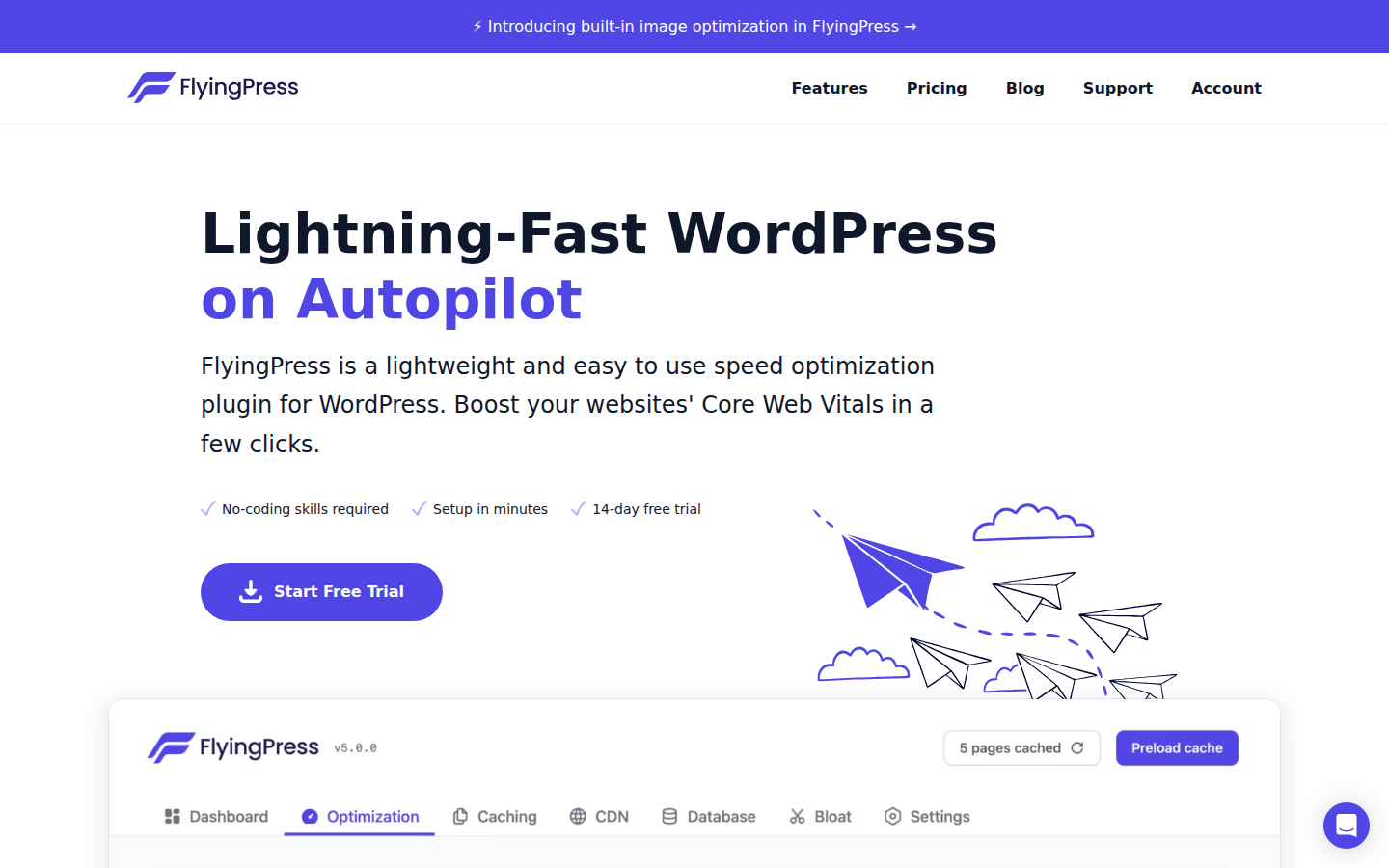
That balance is why people like it. It works across hosting stacks, includes a 14-day free trial, and its paid plans start at $59/year for 1 site. Higher tiers cover 3 sites for $109, 25 sites for $229, and unlimited sites for $279. If you want a premium plugin that feels more stripped down than WP Rocket, this is the obvious one to test.
Best for: site owners chasing better Core Web Vitals, agencies comparing premium tools, and users who want something modern without a giant settings panel.
- Pros: clean UI, works on any server stack, 14-day trial
- Cons: no free plan, smaller ecosystem than WP Rocket
W3 Total Cache: best wp cache plugin for developers
What makes it different: W3 Total Cache gives you more knobs than the others. If you know what fragment cache, object cache, CDN integration, and minify settings actually do, you’ll appreciate that.
For everyone else, it can feel like too much. That’s not a flaw. It’s just a tool built for people who want control. We wouldn’t hand it to a beginner, but advanced users can squeeze a lot out of it.
Best for: developers, power users, and complex sites with custom hosting setups.
- Pros: deep configuration, free core plugin, supports many cache layers
- Cons: steep learning curve
WP Super Cache: best free pick for simple blogs
What makes it different: WP Super Cache stays in its lane. It doesn’t try to be a Swiss army knife. It just helps turn dynamic pages into static files and keeps the setup fairly simple.
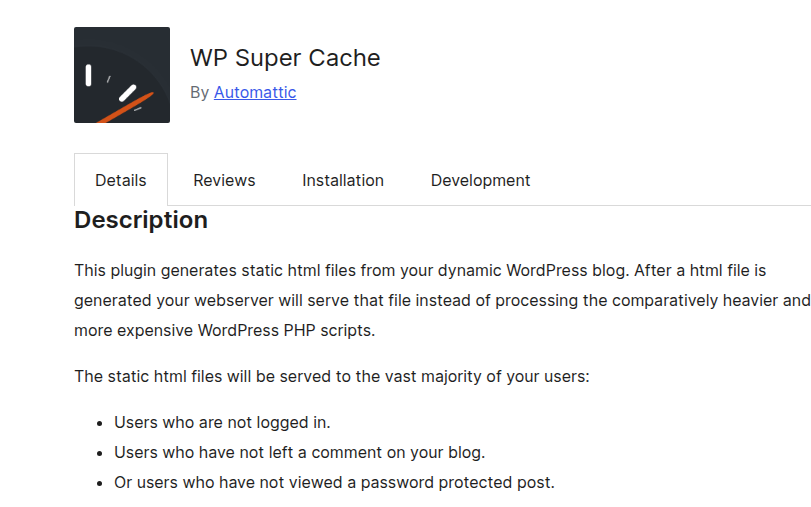
That makes it a solid fit for blogs, brochure sites, and smaller projects that don’t need advanced extras. If you want a free plugin that feels stable and boring in a good way, this is it.
Best for: publishers and site owners who want something light, familiar, and free.
- Pros: simple, reliable, free
- Cons: fewer extras than WP Rocket or LiteSpeed Cache
WP Fastest Cache: easiest free alternative to WP Rocket
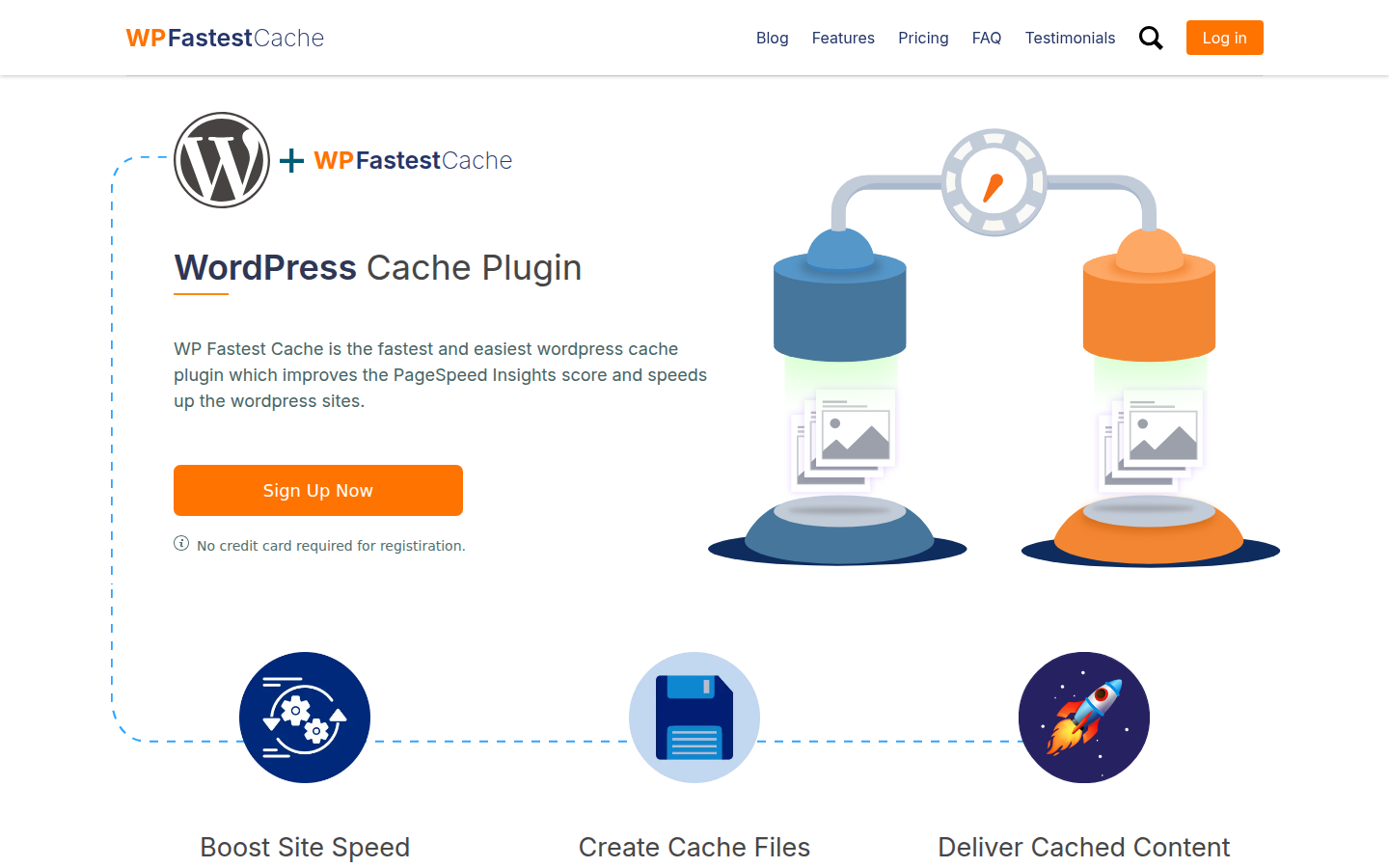
What makes it different: WP Fastest Cache has one of the friendliest UIs in this category. It feels less intimidating than W3 Total Cache, and the premium jump is cheap at $49 one-time.
That pricing matters. Many plugin lists ignore it, but for freelancers or owners running a single site, a low one-time fee is easier to justify than another yearly subscription. It won’t match WP Rocket on polish, but it’s a fair budget pick.
Best for: smaller sites that want easy setup and better value than most freemium plugins.
- Pros: clean UI, cheap premium version, easy for beginners
- Cons: fewer advanced workflow touches than WP Rocket
WP Rocket pricing vs free WordPress caching plugins
If you’re choosing between WP Rocket and a free plugin, ask one question: is your time worth more than $59/year? For many site owners, the answer is yes.
Free plugins can work really well. LiteSpeed Cache can even beat paid tools on the right server. But once you factor in setup time, conflicts, and testing, WP Rocket often ends up cheaper in practice. Especially on WooCommerce sites, where bad cache rules can cause weird cart or account issues.
Which WordPress caching plugin should you choose?
- Choose WP Rocket if you want the safest all-around pick.
- Choose LiteSpeed Cache if your host uses LiteSpeed.
- Choose FlyingPress if you want a premium tool built around Core Web Vitals and a cleaner UI.
- Choose W3 Total Cache if you want full control.
- Choose WP Super Cache if you run a simple content site.
- Choose WP Fastest Cache if price matters most.
And one more thing. If your host already does strong full-page caching, you may not need a plugin with every bell and whistle. But most sites still benefit from browser caching, asset cleanup, and tighter cache control. So a plugin still makes sense.
FAQ about the best WordPress caching plugins
What is the best free WordPress caching plugin?
LiteSpeed Cache is the best free option if your site runs on a LiteSpeed server. If not, WP Super Cache and WP Fastest Cache are easier free picks for most users.
Is WP Rocket worth the price?
Usually, yes. At $59/year, it’s a sensible buy if you want fast setup, fewer mistakes, and solid results without digging through advanced cache settings.
Is FlyingPress better than WP Rocket?
Not across the board. FlyingPress looks more focused on Core Web Vitals and has a cleaner settings experience for some users. WP Rocket still feels safer for broad compatibility and easier recommendations.
Which caching plugin works best with WooCommerce?
WP Rocket is the safest default for WooCommerce stores. FlyingPress is also worth testing, and LiteSpeed Cache is excellent when your hosting stack supports it properly.
Do I need a caching plugin if my host already has caching?
Often, yes. Host caching helps, but a plugin can still handle browser caching, file cleanup, and page rules your host may not expose in the control panel.