Chatbase.com Alternative for WordPress Sites
Why WordPress Site Owners Are Looking for a Chatbase Alternative
Chatbase has made a name for itself as a no-code AI chatbot builder. You upload documents, paste a website URL, and get a working chatbot in minutes. It’s genuinely impressive — and for SaaS companies or agencies managing bots across WhatsApp, Instagram, and Slack, it’s a solid pick.
So let’s break down where Chatbase shines, where it falls short for WordPress users, and why AI Chat & Search Pro might be the better fit for your setup.
Where Chatbase Falls Short for WordPress
Now, the other side. If you’re specifically running a WordPress site, several things start to sting:
- No native WordPress integration. Chatbase gives you an embed script. That’s it. It doesn’t read your WordPress pages, posts, products, or categories natively. You have to manually feed it your content.
- No WooCommerce awareness. It can’t look up product details, compare items, or check order statuses. For an eCommerce store, that’s a dealbreaker.
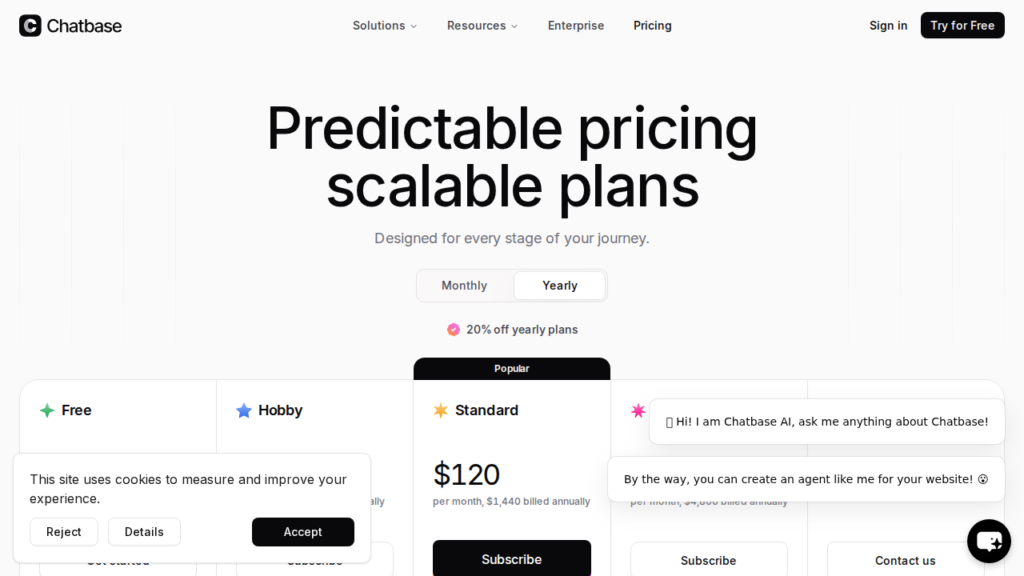
- Monthly subscription model. Plans range from $40/mo to $500/mo. That’s $480 to $6,000 per year, every year, forever.
- Message caps. Even on the $150/mo Standard plan, you’re limited to 12,000 messages per month. Go over, and you pay $12-14 per 1,000 extra messages.
- Branding removal costs extra. Want to remove “Powered by Chatbase”? That’s an additional $39/mo ($468/year).
- Data lives on their servers. Your chat logs, training data, and customer conversations are stored on Chatbase’s infrastructure in the US. For GDPR-conscious businesses in Europe, this is a real concern.
- No free trial for paid features. You can test the free tier (100 messages/month, deleted after 14 days of inactivity), but you can’t try Standard or Pro features before committing.
None of these are bugs — they’re design decisions. Chatbase is built to be a universal chatbot platform, not a WordPress-specific tool. And that’s exactly the gap a native WordPress chatbot fills.
Chatbase.com alternative: AI Chat & Search Pro – Built for WordPress From Day One
AI Chat & Search Pro takes a fundamentally different approach. Instead of being a cloud platform you embed, it’s a native WordPress plugin that runs inside your site.
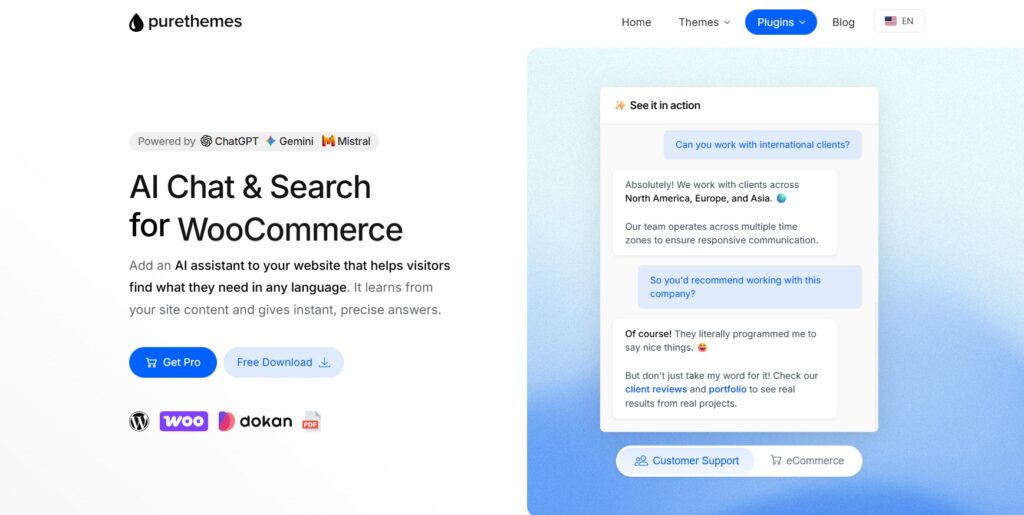
The biggest difference? One-time pricing. You pay $59 once for a single site license, $99 for 3 sites, or $249 for 10 sites. No monthly bills. No renewal surprises.
For AI processing, you use your own API keys — a Bring Your Own Key (BYOK) model. That means you pick which AI provider powers your chatbot: OpenAI (GPT 4.1-mini, GPT 4.1, GPT 5 Mini, GPT 5, 5.1, 5.2), Google Gemini (3 Flash, 3 Pro, 2.5 Flash, 2.5 Pro), or Mistral. You can learn more about the differences in our Mistral vs Gemini vs ChatGPT comparison.
Typical API costs? About $5 for 1,000 to 5,000 messages, depending on which model you choose. And there are no message caps — you can handle as many conversations as your API budget allows.
Feature Comparison
| Feature | Chatbase | AI Chat & Search Pro |
|---|---|---|
| Pricing Model | Monthly subscription ($40-$500/mo) | One-time payment ($59-$249) |
| Message Limits | 100 to 40,000/mo depending on plan | Unlimited (pay per API usage) |
| WordPress Integration | Embed script only | Native plugin, deep integration |
| WooCommerce Support | ❌ None | ✅ Product comparison, order status, semantic search |
| Multi-Channel (WhatsApp, Slack) | ✅ Native support | ❌ WordPress only |
| Workflow Automation | ✅ AI Actions, Zapier, Make | Contact form, email forwarding |
| Remove Branding | $39/mo extra | Free (no branding by default) |
| Image Uploads | ❌ | ✅ |
| Voice Messages | ❌ | ✅ |
| Dark Mode | Limited | ✅ Full support |
| Data Storage | Chatbase servers | Your WordPress server |
| GDPR Compliance | US-hosted data | Full: server-side data, 30-day auto-delete, Mistral EU option |
| Training Sources | Website URLs, documents, Q&A | WP content + PDF, TXT, MD, CSV, XML, external URLs |
For a broader look at how different chatbot plugins stack up, check out our best chatbot plugins for WordPress comparison.
What Chatbase Does Well
Let’s be fair. Chatbase is a multi-channel chatbot platform, and that’s genuinely its strength. If you need a single bot deployed across your website, WhatsApp, Instagram DMs, and Slack — Chatbase handles that natively.
It also offers AI Actions, which let your bot do things like book Calendly appointments, process Stripe payments, or trigger Zapier workflows. For businesses that live in the SaaS ecosystem, this kind of workflow automation is powerful.
And the setup is dead simple. No coding, no server configuration — just paste your content and go. For someone spinning up a quick chatbot for a landing page, that speed matters.
The Real Cost: Chatbase vs AI Chat & Search Pro Over 3 Years
This is where the numbers get interesting. Let’s compare total costs over 3 years for a typical WordPress site that needs branding removed and handles moderate traffic.
| Cost Component | Chatbase (Standard) | AI Chat & Search Pro |
|---|---|---|
| License / Subscription for 3 Years | $150/mo × 36 = $5,400 | $59 (one-time) |
| Remove Branding | $39/mo × 36 = $1,404 | $0 (no branding) |
| Overage Charges | $12-14 per extra 1,000 messages | $0 (no caps) |
| 3-Year Total | $6,804+ | $259 |
That’s a difference of over $6,500 across 3 years. Even comparing to Chatbase’s cheapest Hobby plan ($40/mo), you’d spend $1,440 over 3 years — still 6× more than the one-time WordPress plugin.
And with AI Chat & Search Pro, that $5/month API estimate covers roughly 1,000-5,000 messages. Scale up, and your costs scale linearly — no cliff where you suddenly jump from $150/mo to $500/mo because you crossed a message threshold.
What About Setup? Is It Harder?
Fair question. Chatbase’s appeal is the simplicity: paste a URL, get a chatbot. With AI Chat & Search Pro, you install a WordPress plugin and add your API key. That’s it.
The plugin automatically indexes your WordPress content — pages, posts, custom post types, WooCommerce products. You don’t need to manually upload documents or paste URLs (though you can add external sources if you want). It uses RAG and vector embeddings to understand your content semantically, not just match keywords.
For a step-by-step walkthrough, we’ve got a full guide to adding ChatGPT or Gemini to WordPress.
Privacy and Data Ownership
This one’s increasingly important, especially for European businesses dealing with GDPR.
With Chatbase, all your training data and conversation logs sit on their servers in the US. You’re trusting a third party with your customers’ questions, potentially including personal information, order details, and browsing behavior.
With AI Chat & Search Pro, everything stays on your WordPress server. Chat logs, training data, embeddings — it’s all yours. The plugin also includes IP anonymization, 30-day automatic chat log deletion, and the option to use Mistral’s EU-hosted models for full European data residency.
No third-party data processor. No extra DPA to sign. Your server, your rules. For businesses that handle sensitive customer data, this isn’t a nice-to-have — it’s a requirement.
Who Should Use What?
Choose Chatbase if: You need a chatbot across multiple platforms (WhatsApp, Instagram, Slack), you rely heavily on Zapier/Make automations, or you’re not on WordPress at all.
Choose AI Chat & Search Pro if: You run a WordPress site (especially WooCommerce), you want to own your data, you prefer one-time pricing over monthly subscriptions, or you need unlimited messages without worrying about caps.
For most WordPress site owners reading this, the choice is pretty clear. You get a more capable WordPress chatbot at a fraction of the cost, with better privacy, deeper integration, and no recurring fees. Check out our full roundup of WordPress chatbot plugins without monthly fees if you want to explore even more options.
Frequently Asked Questions
Is Chatbase free?
Chatbase has a free tier, but it’s extremely limited: 100 messages per month, 1 chatbot agent, and your account gets deleted after 14 days of inactivity. To actually use it for a business, you’ll need a paid plan starting at $40/month. There’s no free trial for paid features.
Can I use Chatbase with WordPress?
Yes, but only through an embed script. Chatbase doesn’t have a native WordPress plugin, which means it can’t read your WordPress content directly, doesn’t integrate with WooCommerce, and requires manual content uploading for training. A native WordPress chatbot plugin is a better fit for most WordPress sites.
How much does Chatbase cost per year?
Chatbase plans range from $480/year (Hobby) to $6,000/year (Pro). The most popular Standard plan costs $1,800/year. Add branding removal ($468/year) and a custom domain ($708/year), and your Standard plan jumps to $2,976/year.
Does AI Chat & Search Pro work with WooCommerce?
Yes. It offers deep WooCommerce integration including product search, product comparison, order status lookup (with PII stripped for privacy), and semantic product recommendations. This is one of the biggest differences compared to Chatbase, which has no WooCommerce awareness at all.