AI Engine and WPBot Chatbot Alternative for WordPress

Why Look for an AI Engine or WPBot Alternative?
AI Engine by Meow Apps and WPBot are two of the most popular AI chatbot plugins for WordPress. They both work, they both have communities, and they both have been around long enough to earn a solid reputation. So why would anyone look for an alternative?
If all you need is a smart AI chatbot that understands your content and helps your visitors, both options force you to pay for things you’ll never use. Let’s break down exactly where they fall short — and what to use instead.
What to Look for in a WordPress Chatbot Alternative
Before jumping to a recommendation, here’s what actually matters when choosing a WordPress chatbot plugin:
- Focus: Is it a chatbot-first plugin, or is the chatbot bolted onto something else?
- Pricing transparency: One-time payment vs. yearly subscriptions. Do the math over 2-3 years.
- WooCommerce support: Built-in or addon? Product search, recommendations, order tracking?
- RAG & training: Can you train it on your actual content using RAG and vector embeddings?
- Privacy: Where does your data go? GDPR compliance? PII handling?
- Setup simplicity: How fast can you go from install to live chatbot?
AI Chat & Search Pro: A Focused Alternative
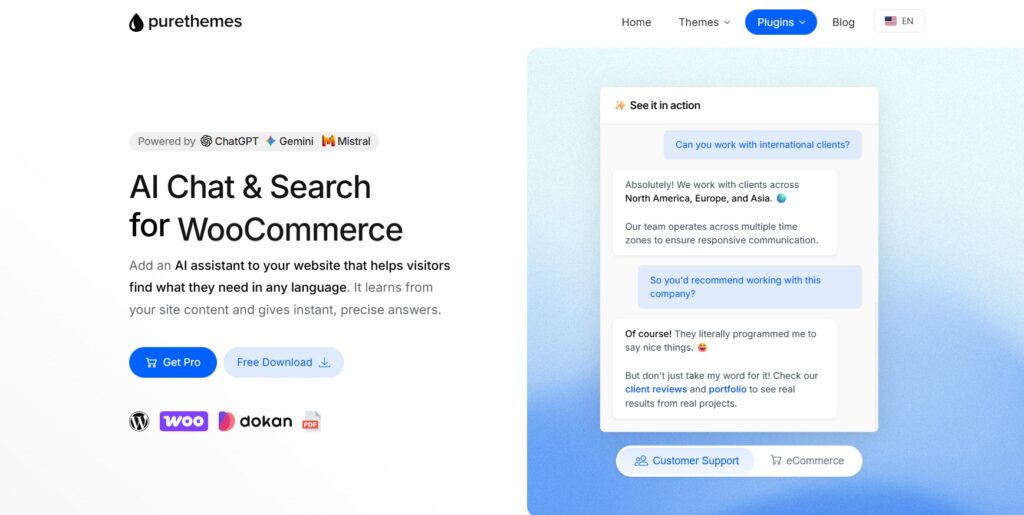
AI Chat & Search Pro was built to do one thing exceptionally well: give your WordPress site a smart AI chatbot with semantic search. No content generators, no image creators, no form builders — just a powerful chatbot that actually understands your content.
Here’s what makes it stand out:
- One-time payment: No monthly or yearly fees. You pay once for the plugin, then only pay for AI API usage (which you control directly). Over three years, that’s hundreds of dollars saved compared to AI Engine or WPBot Pro.
- Multi-provider AI: Supports ChatGPT (GPT-4.1, GPT-5.x), Google Gemini (3 Flash/Pro, 2.5), and Mistral. Switch providers anytime without changing plugins.
- Native WooCommerce integration: Product search, recommendations, and order status tracking are built-in — not a paid addon. Your chatbot becomes a shopping assistant out of the box. Learn more in our WooCommerce AI chatbot comparison.
- RAG + Vector Embeddings: Train the chatbot on your pages, posts, products, and even external URLs. It doesn’t just match keywords — it understands context and meaning.
- Multimodal input: Image upload and speech-to-text — visitors can snap a photo or speak their question.
- Privacy-first design: All data stays on your server. 30-day auto-deletion, no IP address storage, PII automatically stripped from conversations. Especially GDPR-friendly when paired with Mistral (EU-based provider).
- Simple setup: Install the plugin, add your API key, train on your content. That’s it. No DialogFlow accounts, no MCP servers, no content generation settings to wade through.
Feature-by-Feature Comparison
Here’s how all three plugins stack up side by side:
| Feature | AI Engine | WPBot | AI Chat & Search Pro |
|---|---|---|---|
| Primary Focus | All-in-one AI toolkit | Chatbot + DialogFlow | Chatbot + Semantic Search |
| Pricing Model | Free + $49-149/yr | $39-199/yr (or lifetime $79-399) | One-time payment |
| 3-Year Cost (Pro) | $297 | $297 (or $199 lifetime) | One-time only |
| AI Providers | OpenAI, Claude, Gemini, Mistral, Perplexity, OpenRouter | OpenAI, DialogFlow, OpenRouter | ChatGPT, Gemini, Mistral |
| RAG / Embeddings | Yes (Pro) | Yes (Pro tier) | Yes (included) |
| WooCommerce Integration | No native product search | Separate paid addon | Built-in (search, recommendations, orders) |
| Image / Speech Input | Limited | No | Yes (multimodal) |
| Content Generation | Yes (full suite) | No | No (chatbot-focused) |
| Image Generation | Yes | No | No (chatbot-focused) |
| Privacy / GDPR | Standard | Standard | Server-side data, 30-day auto-delete, PII-stripped |
| Dark Mode | No | No | Yes |
| External Page Training | Limited | No | Yes |
| Setup Complexity | High (many features) | Medium (DialogFlow setup) | Low (API key + train) |
AI Engine by Meow Apps: What It Does Well (and Where It Doesn’t)
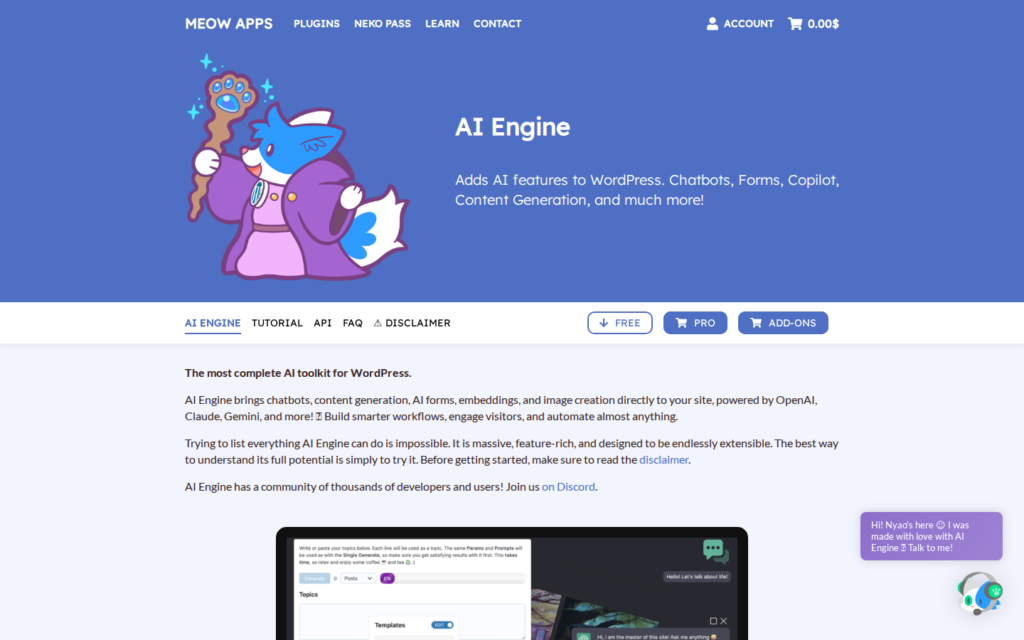
AI Engine is impressive on paper. With 100K+ active installs, it’s one of the most widely used AI plugins for WordPress. It supports OpenAI, Claude, Gemini, Mistral, Perplexity, and OpenRouter — basically every major AI provider.
The feature list is massive: chatbot, content generation, image generation, AI forms, copilot mode, an MCP server, realtime audio chatbot (Pro), embeddings, and even finetuning. That’s a lot of power.
The problem? The chatbot is just one feature among many. If you’re looking for a dedicated WordPress chatbot, you’re wading through content generation settings, image generation options, form builders, and copilot configurations just to set up a simple chat widget. It’s overwhelming for non-technical users who just want their site to answer customer questions.
Other pain points with AI Engine:
- Yearly subscription: Pro starts at $49/year (1 site), $99/year (5 sites), $149/year (unlimited). That adds up fast — $147-$447 over three years.
- No native WooCommerce product search: You can build a chatbot, but it won’t natively search your product catalog, show recommendations, or check order status.
- Jack of all trades: Development effort is split across content generation, image generation, forms, copilot, and the chatbot. The chatbot isn’t the core focus.
- Settings overload: Dozens of configuration screens. Great for power users, intimidating for everyone else.
WPBot: Solid Foundation, Frustrating Extras

WPBot takes a more focused approach than AI Engine — it’s specifically a chatbot plugin. It supports OpenAI, Google DialogFlow, and OpenRouter, offers a RAG knowledge base (on Pro tier), and has multilingual support with an onboarding wizard.
But WPBot has its own set of issues:
- WooCommerce is a separate paid addon: Want your chatbot to search products or help with orders? That’s not included in the base plugin — you need to buy the WooCommerce addon separately.
- Confusing tier structure: Starter ($39/yr), Pro ($99/yr), Master ($149/yr), Agency ($199/yr) — each with different feature sets. Plus lifetime options at $79-$399. Plus individual addons you can buy on top. It’s hard to know what you’re actually getting.
- DialogFlow complexity: WPBot’s integration with Google DialogFlow adds power but also complexity. Setting up DialogFlow requires a Google Cloud account, API configuration, and intent training — overkill for most WordPress sites.
- Dated interface: The admin UI and chat widget design feel a generation behind compared to modern alternatives.
- Feature gating: Many useful features are locked behind higher tiers or require purchasing separate addons.
Pricing Breakdown: The Real Cost Over Time
Let’s do the math that matters — what you’ll actually spend over 2-3 years:
AI Engine Pro (1 site):
- Year 1: $49
- Year 2: $49
- Year 3: $49
- Total: $147 (+ AI API costs)
WPBot Pro:
- Year 1: $99
- Year 2: $99
- Year 3: $99
- Total: $297 (+ WooCommerce addon if needed + AI API costs)
- Lifetime option: $199 (but WooCommerce addon still extra)
AI Chat & Search Pro:
- One-time: single payment
- Total: one-time price only (+ AI API costs)
All three require you to pay for AI API usage (OpenAI, Gemini, or Mistral). The difference is the plugin licensing cost on top. With AI Chat & Search Pro, you eliminate recurring plugin fees entirely. If you want to explore other WordPress chatbot plugins without monthly fees, we’ve compared several options.
Who Should Use What?
Choose AI Engine if:
- You need content generation, image generation, and AI forms alongside your chatbot
- You want the broadest possible AI provider support (including Claude and Perplexity)
- You’re technically comfortable navigating complex settings
- You don’t mind paying yearly for an all-in-one AI toolkit
Choose WPBot if:
- You specifically need Google DialogFlow integration
- You prefer a lifetime payment option (even if it’s more upfront)
- Your use case is simple enough that you won’t need premium addons
Choose AI Chat & Search Pro if:
- You want a dedicated chatbot without bloat from unrelated AI features
- You run a WooCommerce store and want native product search and recommendations
- You prefer a one-time payment over yearly subscriptions
- Privacy and GDPR compliance are priorities for your business
- You want the simplest possible setup — no DialogFlow, no MCP, just API key and go
Frequently Asked Questions
Can AI Chat & Search Pro do everything AI Engine does?
No — and that’s by design. AI Engine includes content generation, image generation, AI forms, and other tools beyond chatbots. AI Chat & Search Pro focuses exclusively on the chatbot and semantic search experience. If you only need a chatbot, you get a better, simpler product without paying for features you won’t use.
Does AI Chat & Search Pro work with WooCommerce?
Yes, WooCommerce support is built-in — product search, recommendations, and order status tracking. Unlike WPBot, which requires a separate paid addon for WooCommerce functionality.
What AI providers does AI Chat & Search Pro support?
It supports ChatGPT (GPT-4.1 and GPT-5.x models), Google Gemini (3 Flash, 3 Pro, 2.5), and Mistral. You can learn more about the differences in our Mistral vs Gemini vs ChatGPT comparison.
Is AI Chat & Search Pro GDPR compliant?
It’s designed with privacy in mind: all data stays on your server, conversations are auto-deleted after 30 days, IP addresses are not stored, and PII is automatically stripped. For maximum GDPR compliance, pair it with Mistral — an EU-based AI provider.
How hard is it to switch from AI Engine or WPBot?
Setup takes minutes: install the plugin, enter your AI API key, and train the chatbot on your content using the built-in training tool. There’s no data migration needed — the chatbot learns from your existing WordPress pages, posts, and products.