









Alternative zum ListingPro Directory WordPress Theme

Warum Menschen nach einer ListingPro-Alternative suchen
ListingPro ist beliebt, wird gut vermarktet und funktioniert einwandfrei für grundlegende Unternehmensverzeichnisse. Daran gibt es nichts auszusetzen.
Aber sobald du versuchst, etwas zu bauen, das über einen einfachen Yelp-Klon hinausgeht – etwa einen Marktplatz für Ferienunterkünfte, eine Plattform für stundenweise Buchungen oder eine Website für den Verkauf von Event-Tickets – stößt du sehr schnell an Grenzen.
Das größte Problem? ListingPro unterstützt WooCommerce nicht. Überhaupt nicht. In ihrer eigenen Dokumentation steht es: „WooCommerce ist weder erforderlich noch wird es unterstützt.“ Das bedeutet, du bist an ihren proprietären Checkout mit nur 4 integrierten Zahlungs-Gateways gebunden. Du brauchst Klarna? Square? Eines der 100+ WooCommerce-Zahlungs-Add-ons? Pech gehabt.
Und dann ist da noch die Buchung. ListingPro bietet eine grundlegende Terminplanung. Aber stundenweise Buchungen für Berater? Tagesbuchungen für Mietobjekte? Event-Tickets mit mehreren Gästetypen? Dafür benötigen Sie deren Premium-Add-ons — MedicalProWP, EventProWP — jedes separat verkauft.
Deshalb machen sich Verzeichnis-Ersteller auf die Suche nach Alternativen. Und Listeo taucht in dieser Suche aus gutem Grund immer wieder auf.
Listeo: Entwickelt für Buchungen und Marktplätze
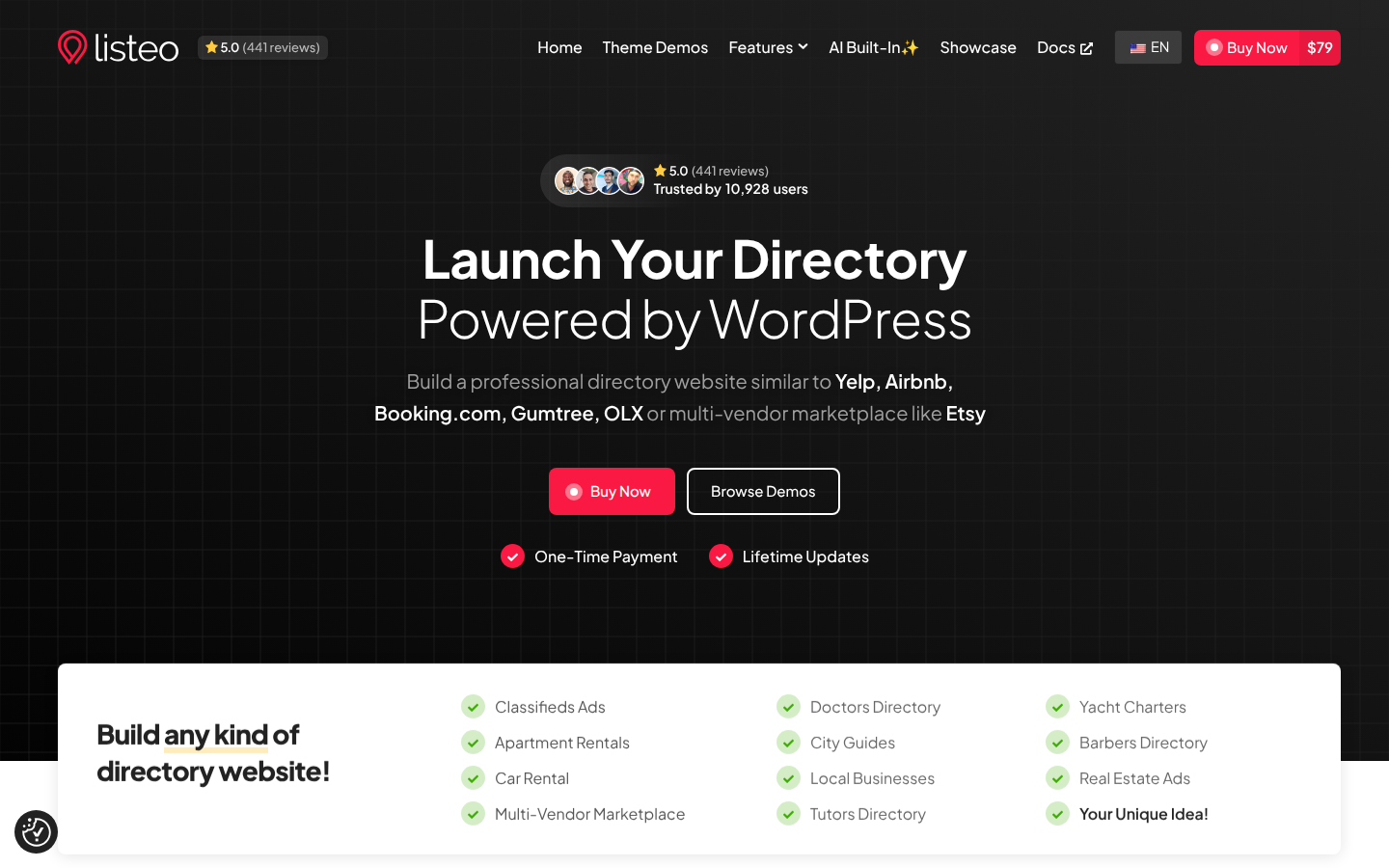
Listeo kostet 79 $ auf ThemeForest – nur 10 $ mehr als ListingPro. Aber diese 10 $ bringen Ihnen eine völlig andere Klasse von Verzeichnis-Theme.
Buchungssystem, das wirklich funktioniert
Das ist Listeos größter Vorteil. Während ListingPro nur einfache Termin-Slots bietet, liefert Listeo drei Buchungstypen direkt mit – keine Add-ons, keine zusätzlichen Käufe:
- Hourly bookings — for consultations, spa services, fitness classes, coworking spaces
- Daily bookings — Airbnb-style with check-in/check-out, weekend pricing, minimum stays
- Event bookings — ticket sales with multiple guest types (adults, children, seniors)
You can set regular vs. weekend rates, add mandatory fees (cleaning, service charges), and offer optional add-ons. Try doing that with ListingPro’s basic appointment system.
If you’re building a vacation rental marketplace or a service booking platform, this alone makes the decision easy.
Full WooCommerce Integration
ListingPro blocks WooCommerce. Listeo embraces it.
That means any WooCommerce payment gateway works — Stripe, PayPal, Square, Klarna, local gateways for any country. It also means you can build a multi-vendor marketplace (think Etsy-style) where sellers manage their own listings and products.
WooCommerce also opens up the entire plugin ecosystem. Subscriptions, memberships, invoicing, tax calculation — all plug right in. With ListingPro’s proprietary checkout, you’re stuck with what they built. Period.
Want to monetize your directory with tiered listing packages? Listeo handles that through WooCommerce with Free, Starter, and Pro tiers — controlling gallery limits, review access, booking features, and more per package level.
Elementor-First Design
ListingPro bundles both Elementor and WPBakery. Listeo goes Elementor-only — cleaner, faster, no legacy page builder bloat. Every template and layout is built for Elementor’s drag-and-drop editor.
Feature Comparison: Listeo vs ListingPro
| Merkmal | Listeo | ListingPro |
|---|---|---|
| Preis | $79 | $69 |
| Hourly Booking | ✅ Eingebaut | ❌ Not available |
| Daily Booking (Airbnb-style) | ✅ Eingebaut | ❌ Not available |
| Event Ticketing | ✅ Eingebaut | Requires EventProWP add-on |
| WooCommerce Support | ✅ Full integration | ❌ Not supported |
| Multi-Vendor Marketplace | ✅ Ja | ❌ Nein |
| Zahlungs-Gateways | Any WooCommerce gateway | 4 built-in + paid add-ons |
| Page Builder | Elementor | Elementor + WPBakery |
| Ads Campaign System | Featured listings via packages | ✅ Spotlight, Top of Search, Sidebar |
| Review System | Star-based with criteria | ✅ Emoji-based multi-criteria |
| Maps | OpenStreetMaps + Google Maps | OpenStreetMaps + Google Maps |
| Bulk Import | ✅ WP All Import | ✅ WP All Import |
| Am besten für | Booking marketplaces, multi-vendor | Pure business directories |
What ListingPro Does Well

Fair is fair. ListingPro earned those sales.
Its IntelliSense search is solid — live autocomplete with “Near Me,” “Open Now,” and price filters baked in. The emoji-based review system with multi-criteria ratings looks great and gets users engaged. And the built-in ads campaign system (Spotlight Ads, Top of Search, Sidebar placements) is something most directory themes skip entirely.
ListingPro also uses OpenStreetMaps by default — no Google Maps API costs. For a pure business directory where people just browse, search, and leave reviews? It works.
But “works for basic directories” isn’t enough when you’re building a marketplace.
When to Pick Which Theme
Choose Listeo if you’re building:
- A vacation rental or Airbnb-style marketplace
- A service booking platform (hourly appointments)
- An event directory with ticket sales
- A multi-vendor marketplace (Etsy or OLX-style)
- Anything that needs WooCommerce payment flexibility
ListingPro still makes sense if:
- You only need a pure business directory (no bookings)
- You want the built-in ads campaign system (Spotlight, Top of Search)
- Emoji-based reviews matter to your audience
- You prefer a fully self-contained system without WooCommerce
Honest take? For a straightforward “find a restaurant, read reviews” directory, ListingPro is fine. But the moment bookings, payments, or marketplace features enter the picture, Listeo pulls ahead by a wide margin.
Need a step-by-step walkthrough? Check out our complete guide to building a directory with Listeo. For a broader comparison, see our best directory WordPress themes roundup.
Unterm Strich
ListingPro is a solid directory theme for simple use cases. But it was built for a different era — before directory sites needed booking engines, marketplace features, and AI-powered search.
Listeo costs $79 vs. ListingPro’s $69. That extra $10 gets you three booking types, WooCommerce integration, multi-vendor support, and Elementor-native design. For any directory that needs to handle transactions — not just listings — it’s the better investment.
Ready to build? Check out the Listeo live demo and feature list, or follow our step-by-step setup guide to get your directory online this week. Need help filling it with real businesses? We’ve got a guide for that too.
FAQ
Is Listeo really better than ListingPro?
For directories that need bookings, marketplace features, or WooCommerce — yes. Listeo includes hourly, daily, and event booking built-in, plus full WooCommerce support. ListingPro is better suited for pure business directories without booking or payment needs.
Why doesn’t ListingPro support WooCommerce?
ListingPro uses its own proprietary checkout system with 4 built-in payment gateways. This “all-in-one” approach means you can’t use any WooCommerce extensions, payment gateways, or marketplace plugins. Listeo takes the opposite approach — full WooCommerce integration gives you access to hundreds of payment and marketplace extensions.
How much does Listeo cost compared to ListingPro?
Listeo is $79 and ListingPro is $69 on ThemeForest — both one-time purchases. The $10 difference gets you three booking types (hourly, daily, event), WooCommerce integration, and multi-vendor marketplace features that ListingPro doesn’t offer.
Can I build an Airbnb-style site with ListingPro?
Not really. ListingPro lacks daily booking with check-in/check-out dates, weekend pricing, and guest type selection. Listeo was specifically designed for vacation rental marketplaces with full Airbnb-style booking functionality built in.
Does Listeo support listing packages for monetization?
Yes. Listeo offers WooCommerce-based listing packages (Free, Starter, Pro tiers) where you control gallery limits, review access, booking features, video sections, and coupons per package level. You can also create custom packages with any pricing structure.